




01Save the inspiration
Found something delicious?
Share a cooking video to ReciCut, paste its link, or bring in a video of your own.

Turn the cooking videos you love into recipes you can actually follow. With the right video moment for every step.
 00:04 — 00:08
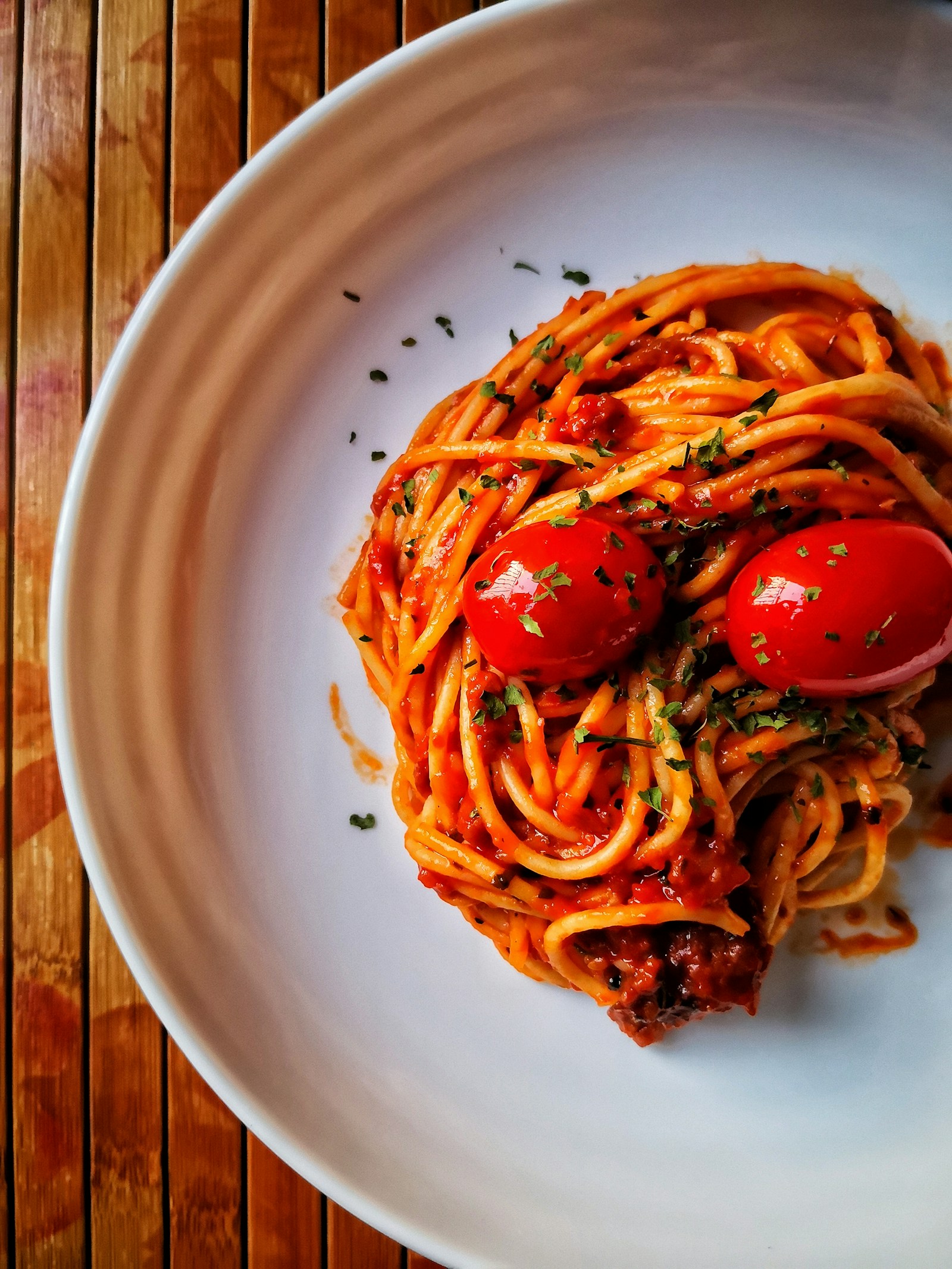
Add the pasta to the sauce and gently toss until every strand is coated.
Next stepFROM YOUR FEED TO YOUR KITCHEN
All the inspiration. A little more direction.
Share a cooking video to ReciCut, paste its link, or bring in a video of your own.
ReciCut watches and listens, turning the video into a clear ingredient list and easy-to-follow steps.
Follow each step with its matching video moment. See the texture. Catch the technique. Keep cooking.
“Toss until coated” makes so much more sense when you can see it. Tap a step and jump straight to that part of the video.
Go on, try a step →An interactive concept demo using stock footage, not a recording of the app or a complete recipe.
Video and original audio work together, so your recipe has more to go on than a caption.
Keep your imports together and organize them in folders. Today's dinner, tomorrow's baking project.
Read your recipes in English or Chinese, with ingredients and steps right where you need them.
ReciCut is an iPhone app that turns cooking videos into ingredient lists and step-by-step recipes. Its core feature pairs each step with the relevant moment in the original video, helping you see the technique as you cook.
ReciCut supports public cooking-video links from YouTube, TikTok, Instagram, Facebook and Pinterest, as well as your own video uploads. Source restrictions can affect import and playback; private or unavailable videos may not work.
ReciCut is currently being tested through TestFlight by email invitation. A public App Store release and public beta link aren't available yet. If you already have an invitation, open the email on your iPhone and follow the TestFlight instructions.
Recipes include the original source so you can return to the creator. Playback depends on the source platform and video availability. The website demo uses separate stock footage to illustrate the experience.
AI can miss an ingredient, quantity or technique. Check the generated recipe against the original video, especially for allergies, temperatures and cooking times.
Public launch pricing has not been announced. We will share the available plans and limits when ReciCut is ready for the App Store.
LESS “SOMEDAY.” MORE “LET'S MAKE IT.”Let's bring it to the table.
Made for iPhone · Currently in beta